
Ghost Filter Prank
A grey-haired ghost rises behind your shoulder — creeping in slowly, lunging at the camera, or making you jump. Three styles, one photo, eight seconds with sound. Send it to someone who scares easily.
- 100 credits
- 8s video
The result
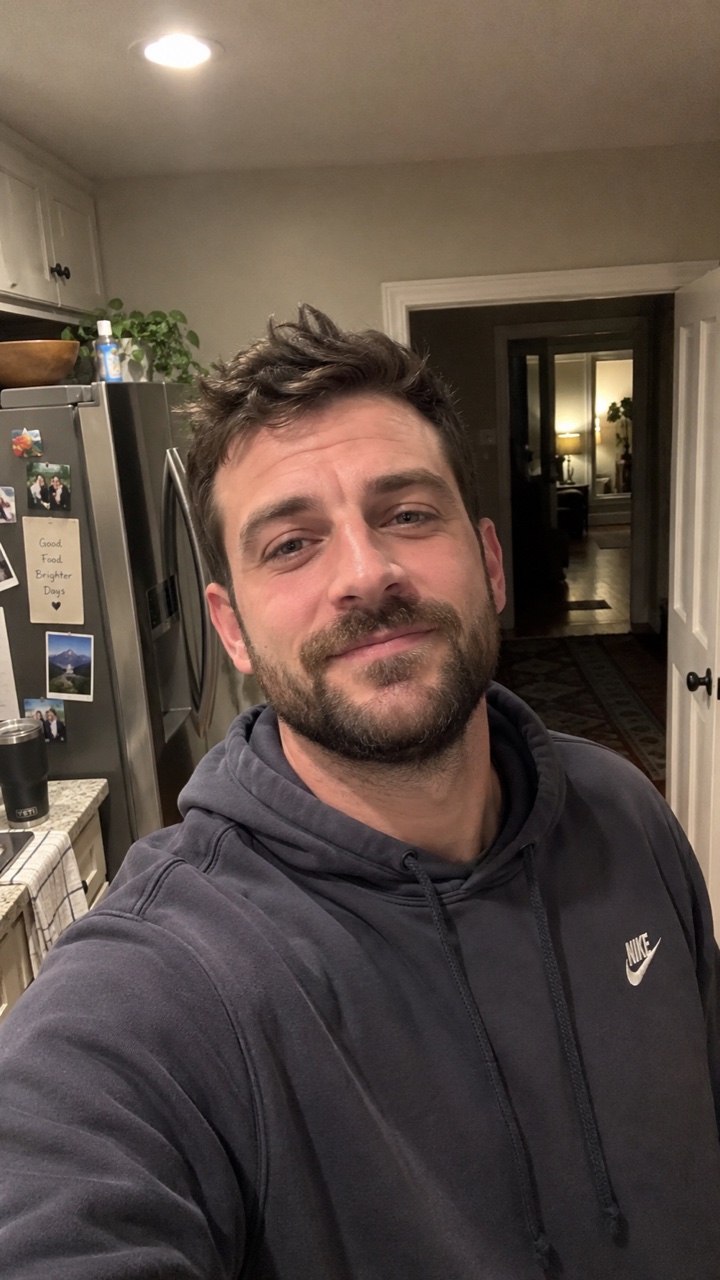
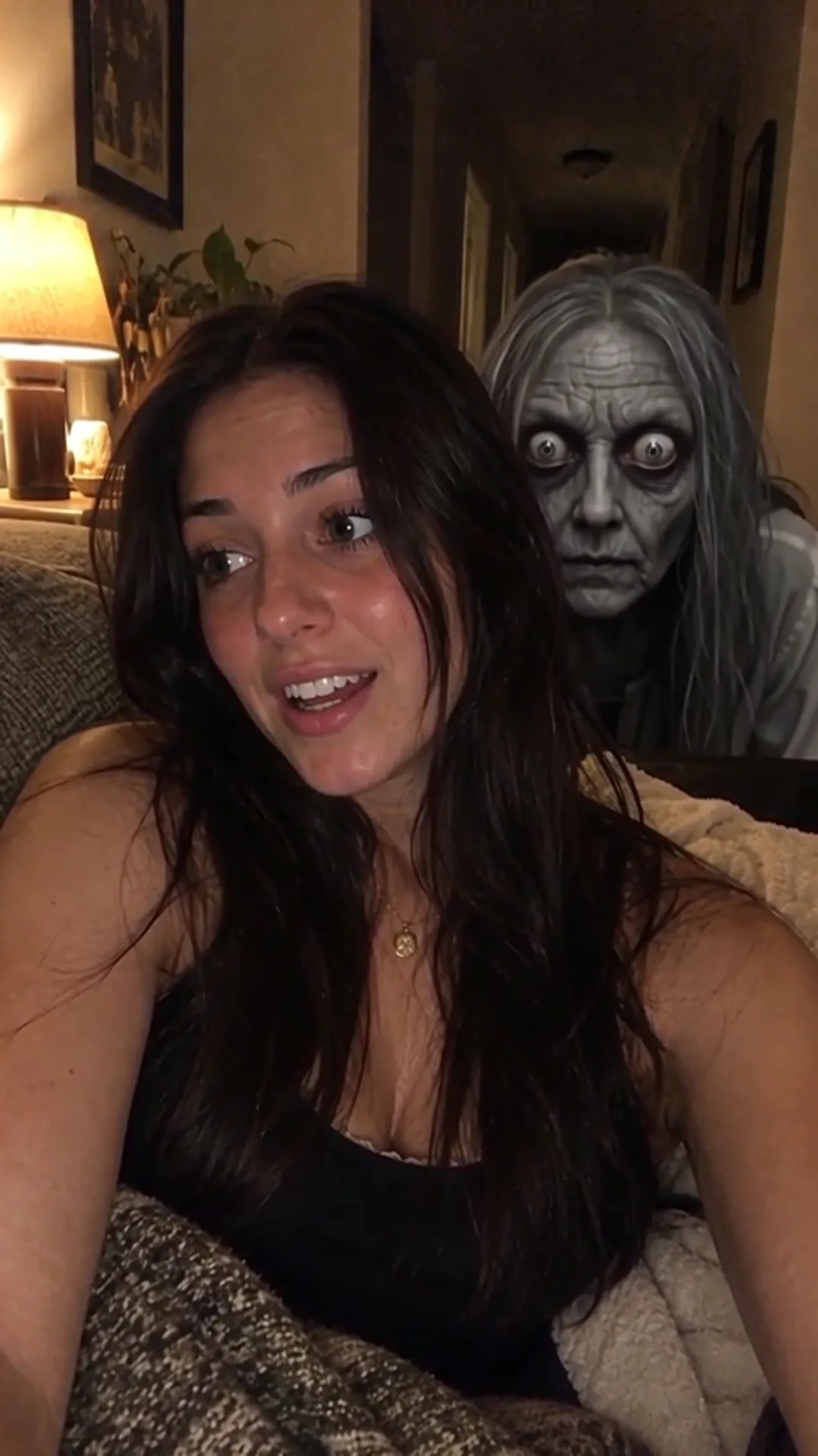
Drag the line: the photo on the left, the video made from it on the right. AI-generated.
How it works
- 01Upload a photoOne clear photo of you — or your pet, where the effect allows it.
- 02AI makes itYour video is ready in a few minutes. Failed ones are refunded.
- 03Download and shareAn MP4 without a watermark — post it anywhere.
For the best shot
- One person, facing the camera
- Leave some room behind one shoulder — that is where the ghost appears
- A dim room or a doorway behind you works best
- Face clearly visible, no sunglasses or masks
- Portrait photos work best; landscape ones are cropped to 9:16
3 styles
Pick one in “Make your video” before you generate. Same price for every style.
Slow creep
The ghost rises behind your shoulder and drifts in until it is right beside your cheek
Sudden lunge
Calm for six seconds, then the ghost snaps straight at the camera
Jump scare
You turn, see it, and jump out of your seat
More results
Other photos through the same effect. Every clip is AI-generated.
Sudden lunge · living room
Slow creep · living room
Jump scare · living room
Sudden lunge · bedroom
More like this
How to make your Ghost Filter Prank video
Pick a photo where you face the camera with some space behind you, choose Slow creep, Sudden lunge or Jump scare, and make the 8-second video with sound. Then send it without warning to the friend who scares easiest.
What you get
An 8-second vertical video (9:16, with sound) made from one photo. It starts on your photo exactly as it is — you, chatting to the camera as if nothing is wrong — and then she arrives: grey wrinkled skin, huge pale eyes, long stringy hair.
Three styles
- Slow creep — she rises out of the dark behind your shoulder and drifts closer until her face is right beside your cheek, staring into the lens. You keep smiling the whole time.
- Sudden lunge — six calm seconds, then she snaps straight at the camera and the phone jolts. Best sent without warning.
- Jump scare — you sense something, turn your head, see her, and jump out of your seat screaming. The whole reaction is in the clip.
Before you upload
You need permission from everyone in the photo — for anyone under 18, from their parent or guardian. Every photo and every result is checked automatically; adult content is not allowed (see the Acceptable Use Policy). If anyone in the photo is under 18, you must be their parent or legal guardian.
Price
A standard video (480p) costs 100 credits, or $9.90 without an account; HD (720p) costs 220 credits or $14.90. Every style costs the same. If a video fails, you get the credits or the money back automatically. Monthly plans and credit packs are on the Pricing page.
FAQ
How long does it take?
Usually two to four minutes: for the slow creep the ghost is added to your photo first, then the clip is animated from it. You can leave the page — the finished video waits in History, or at the link we email you.
Does the clip have sound?
Yes. Casual chatter, a low eerie hum, and for the lunge and the jump scare a scream at the moment it happens. Turn the sound on before you send it.
Which style should I pick?
Slow creep if you want them to notice it slowly. Sudden lunge if you want them to drop the phone. Jump scare if you want a clip of "yourself" reacting — that one animates you, so it moves the most.
Can I use a photo with several people in it?
It works best with one person. With several people the ghost appears behind one of them, and you need permission from everyone in the photo.
Does the ghost look the same every time?
She has the same look in every clip — grey skin, pale eyes, long grey hair — but each video is generated fresh, so her movement and the lighting differ a little each time.
Will my face be changed?
No. Your face, clothes and room stay as they are in the photo; only the ghost is added. We never replace a real person's face with someone else's.
What if it fails or looks wrong?
A failed video is refunded automatically. If it finished but the ghost did not come out right, write to support with the link to your video and we will review it.
Not here? Write to support@yayvid.com.
Last updated