

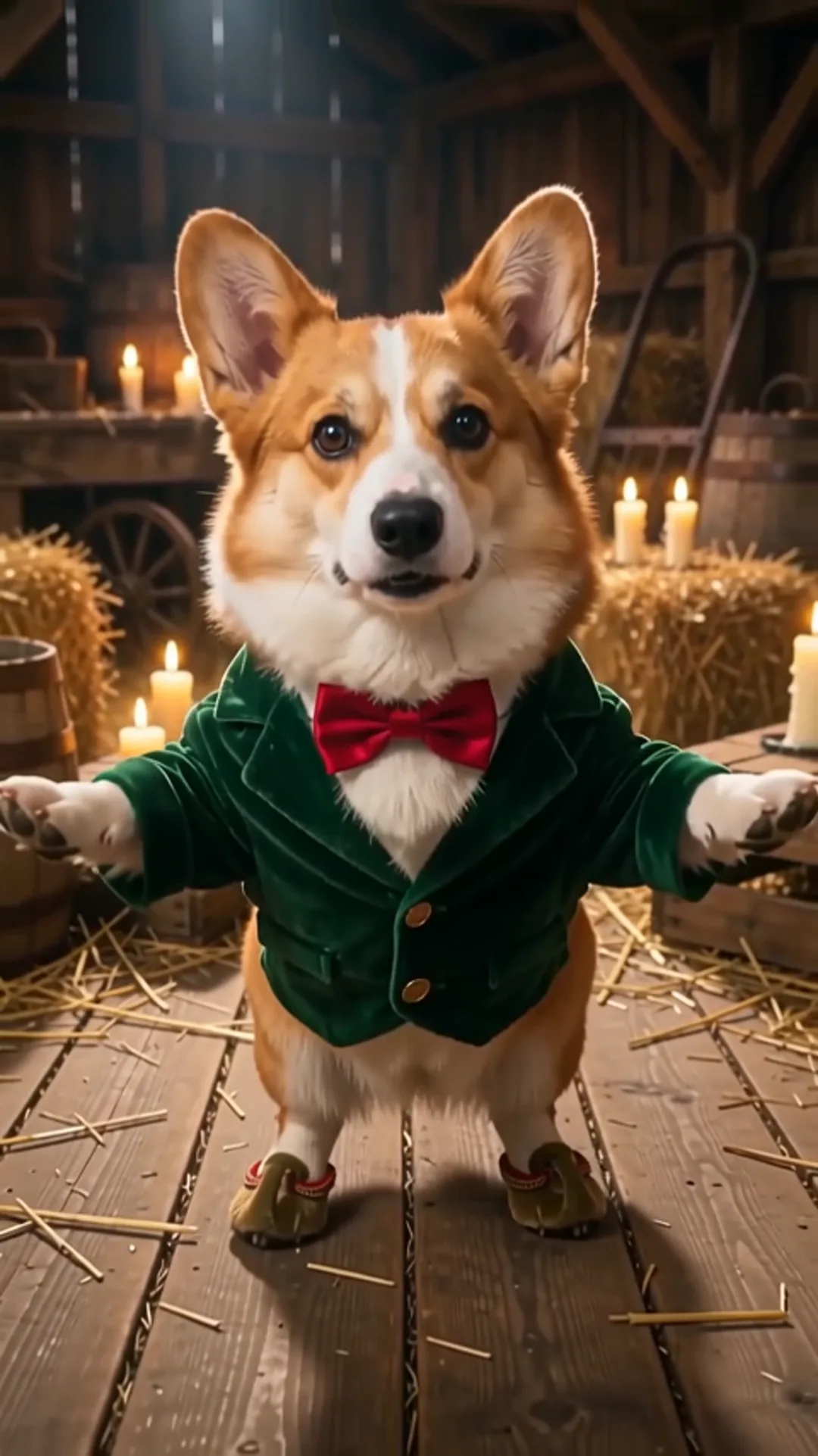
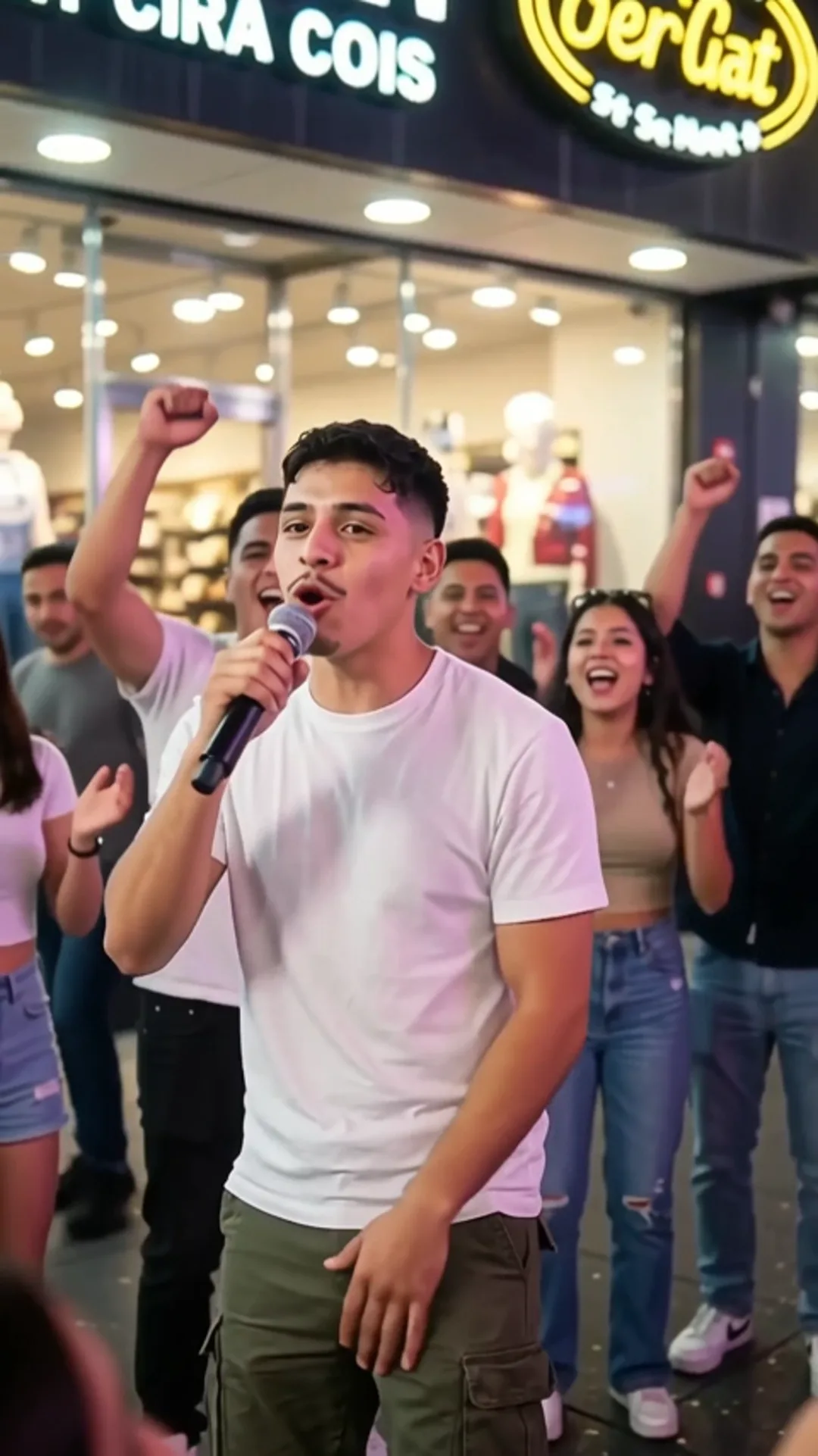
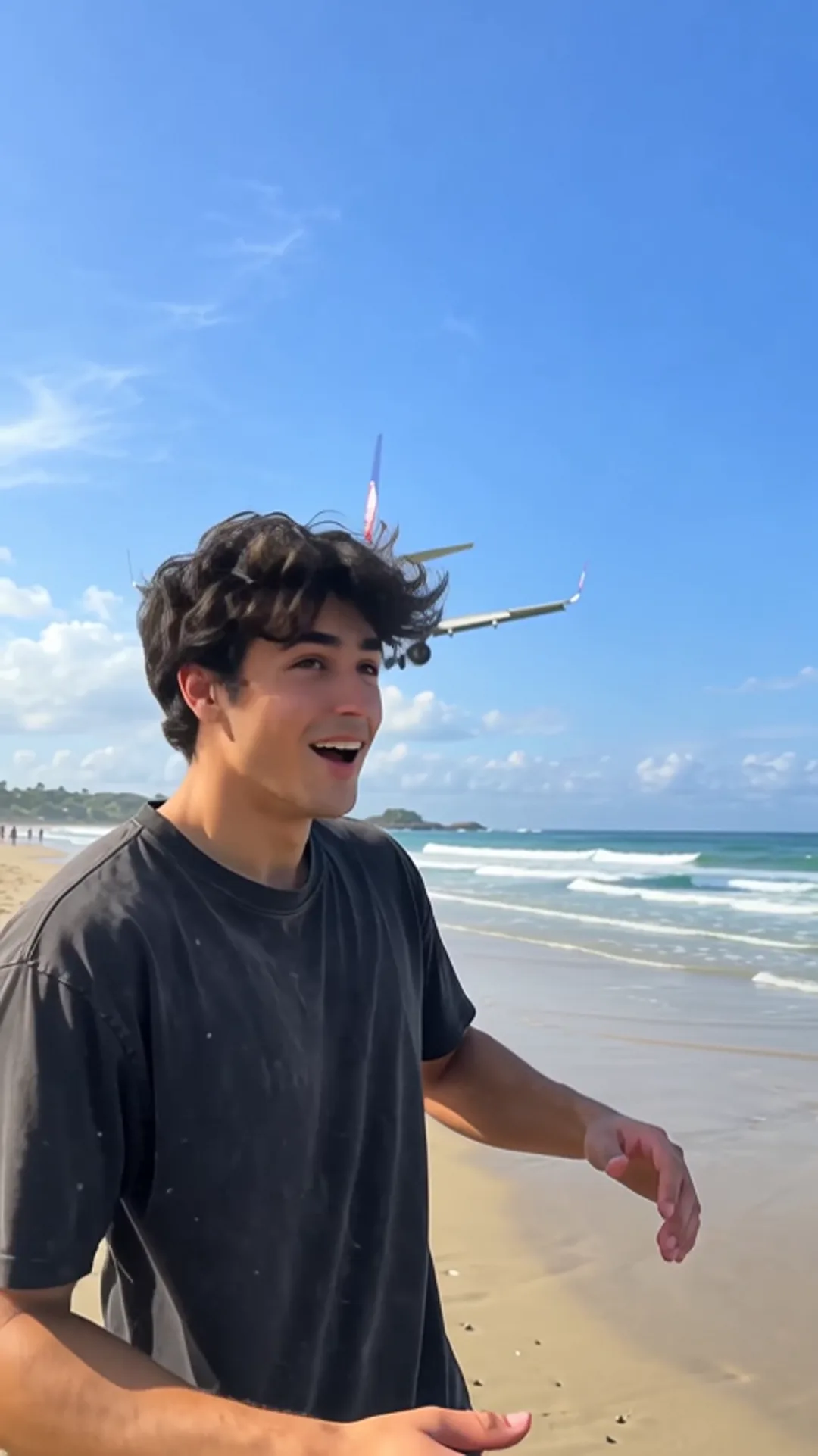
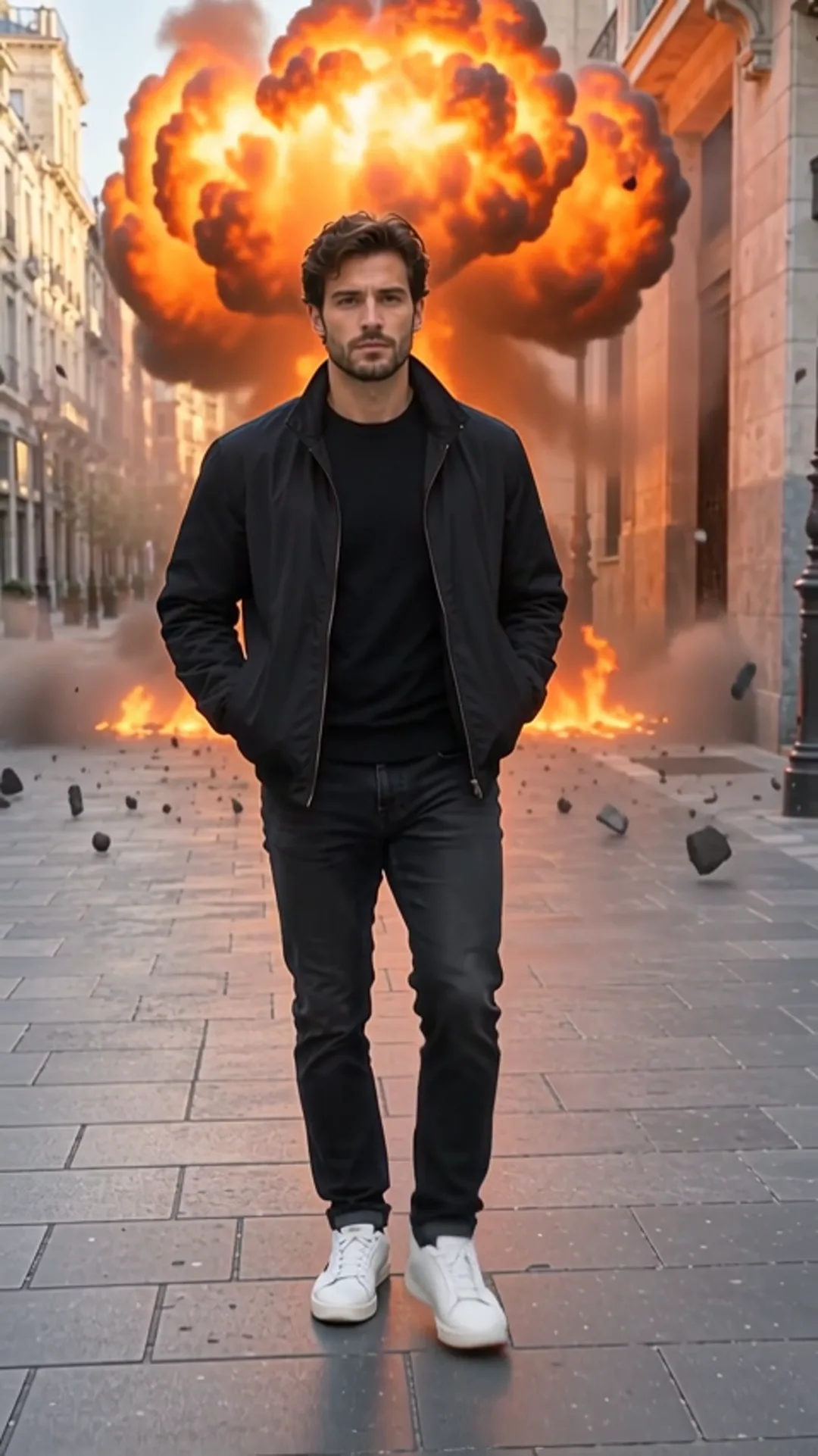
Your photo, now moving.
One photo in, a short video out.
Add 1 photo to continue
Try one:
Runs on
Trending this week
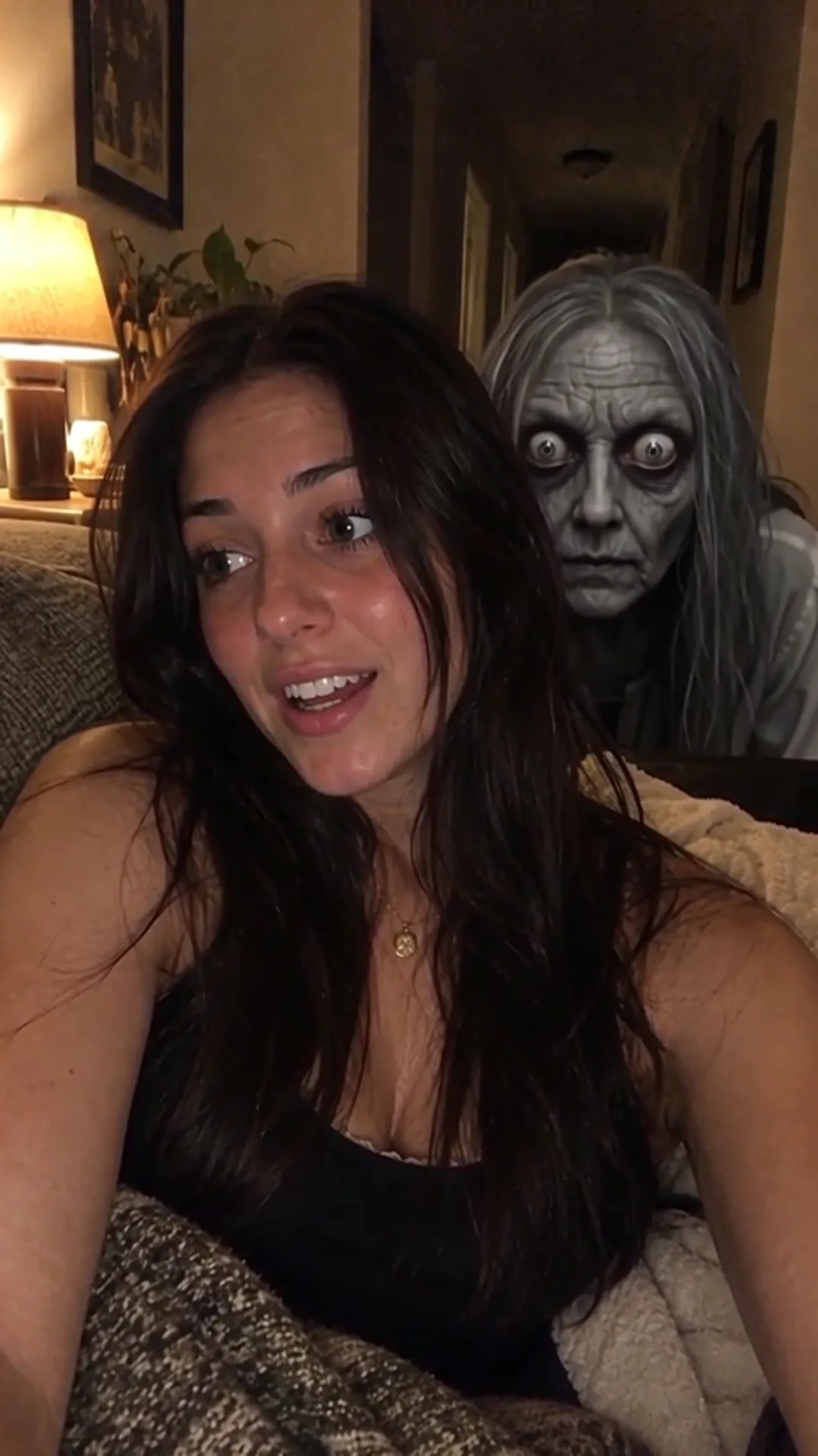
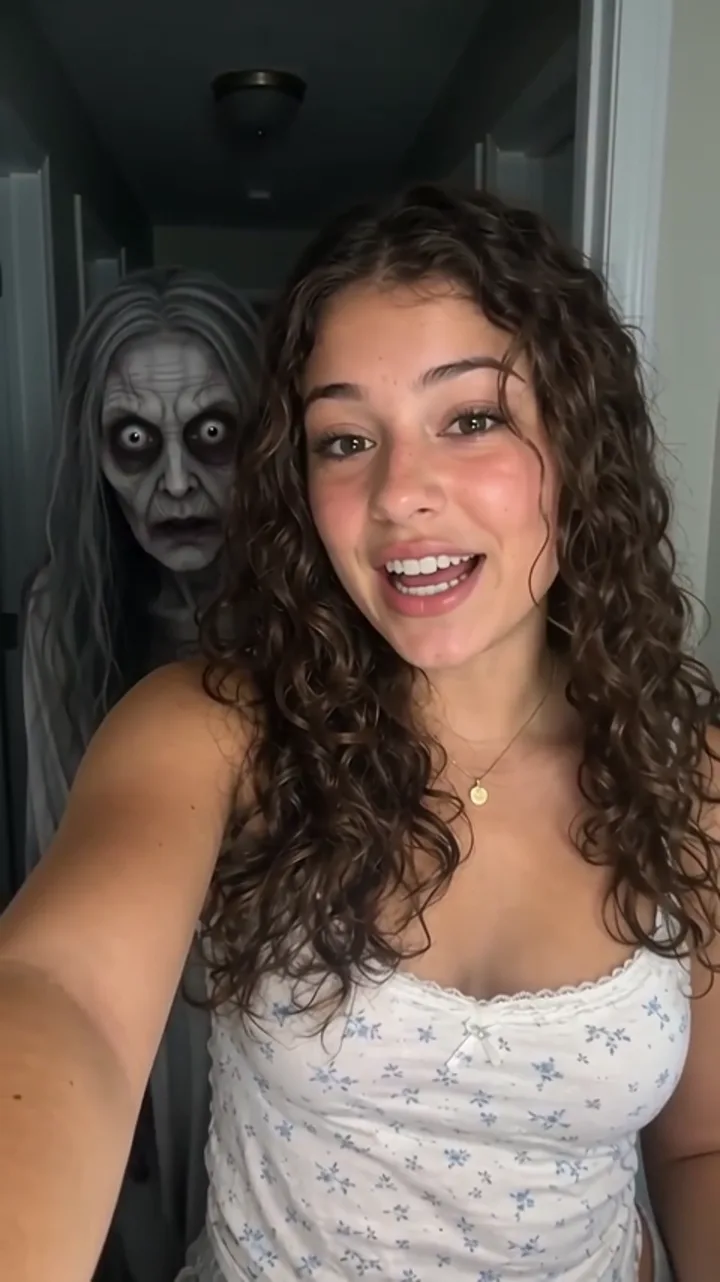
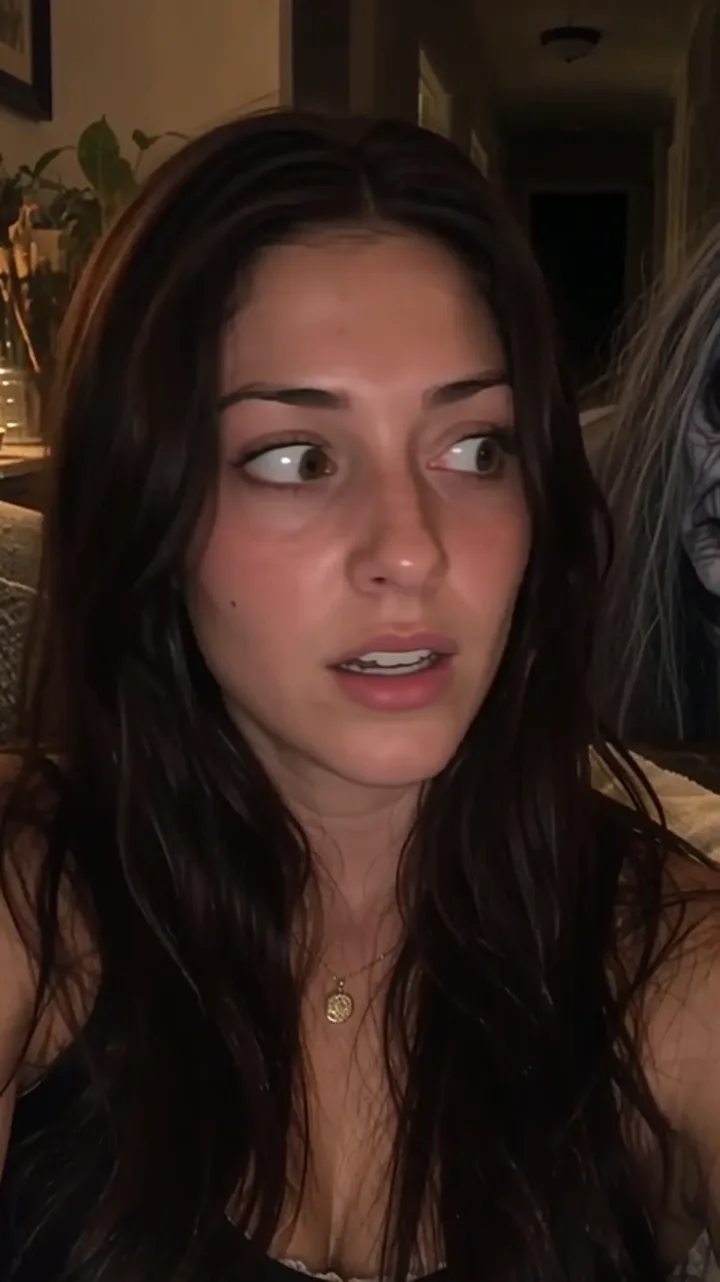
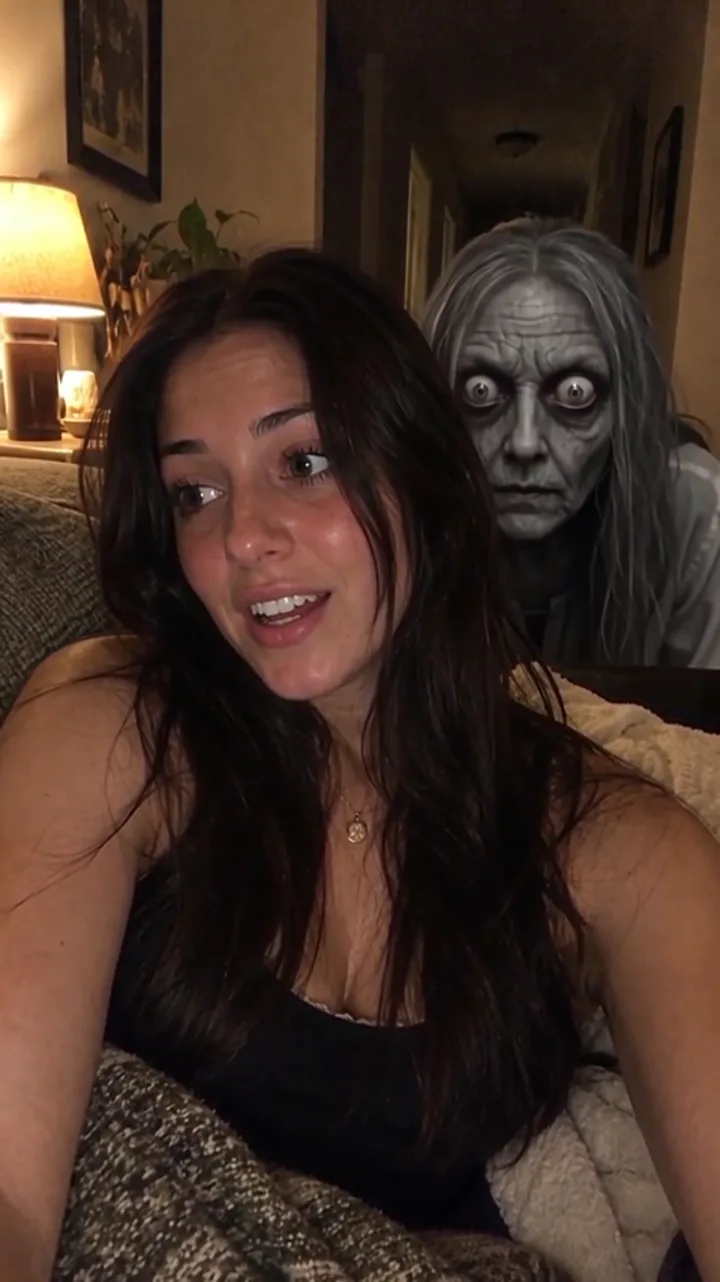
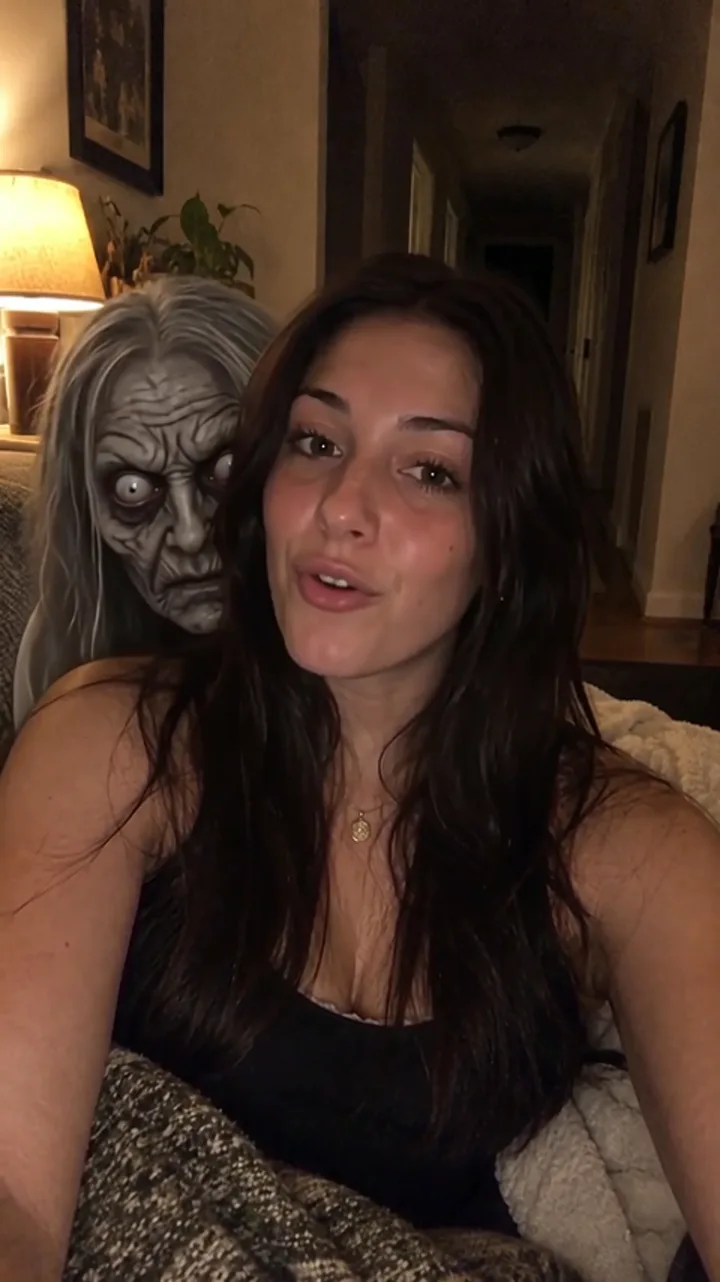
- Ghost Filter Prank
- Hotel Lobby AI
- Plane Overhead AI
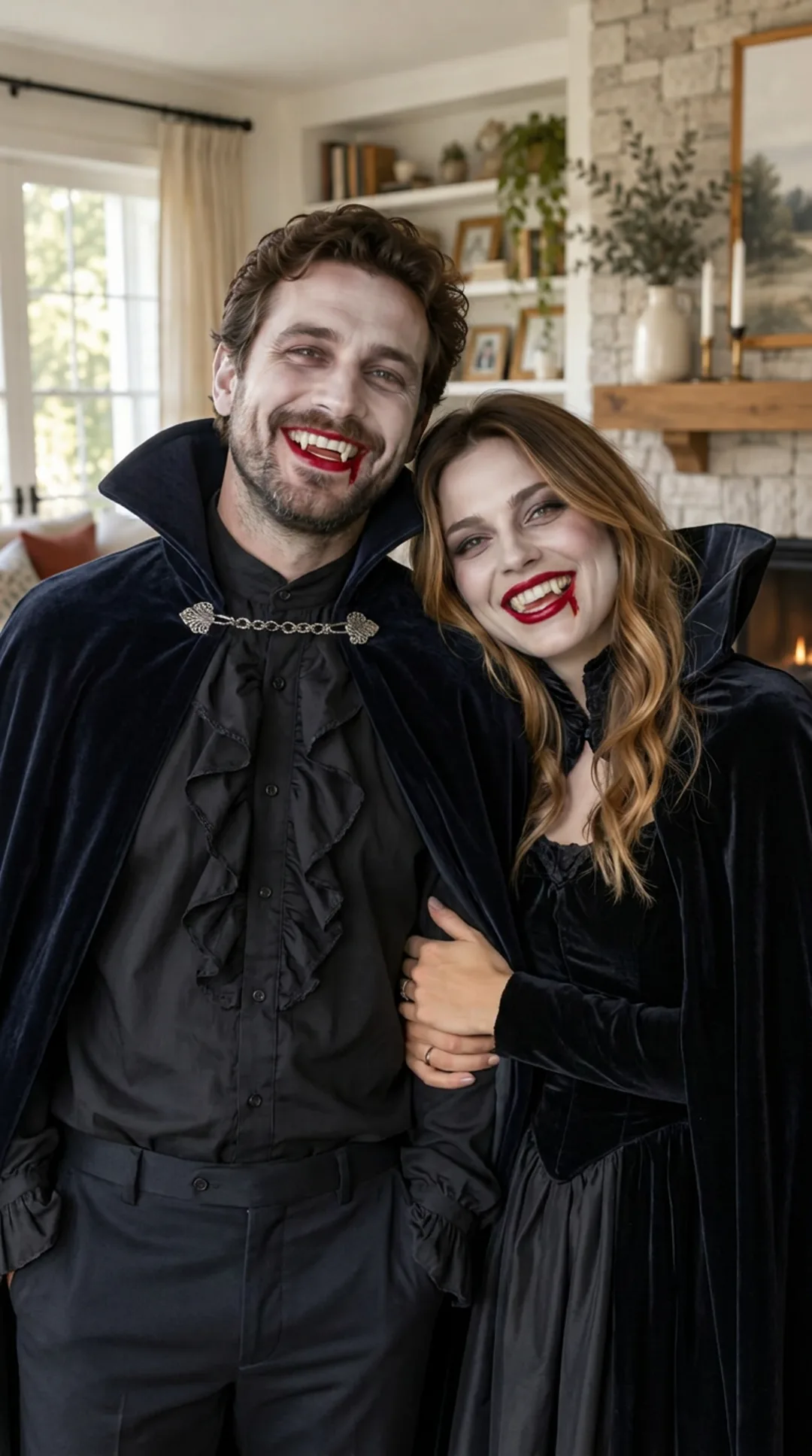
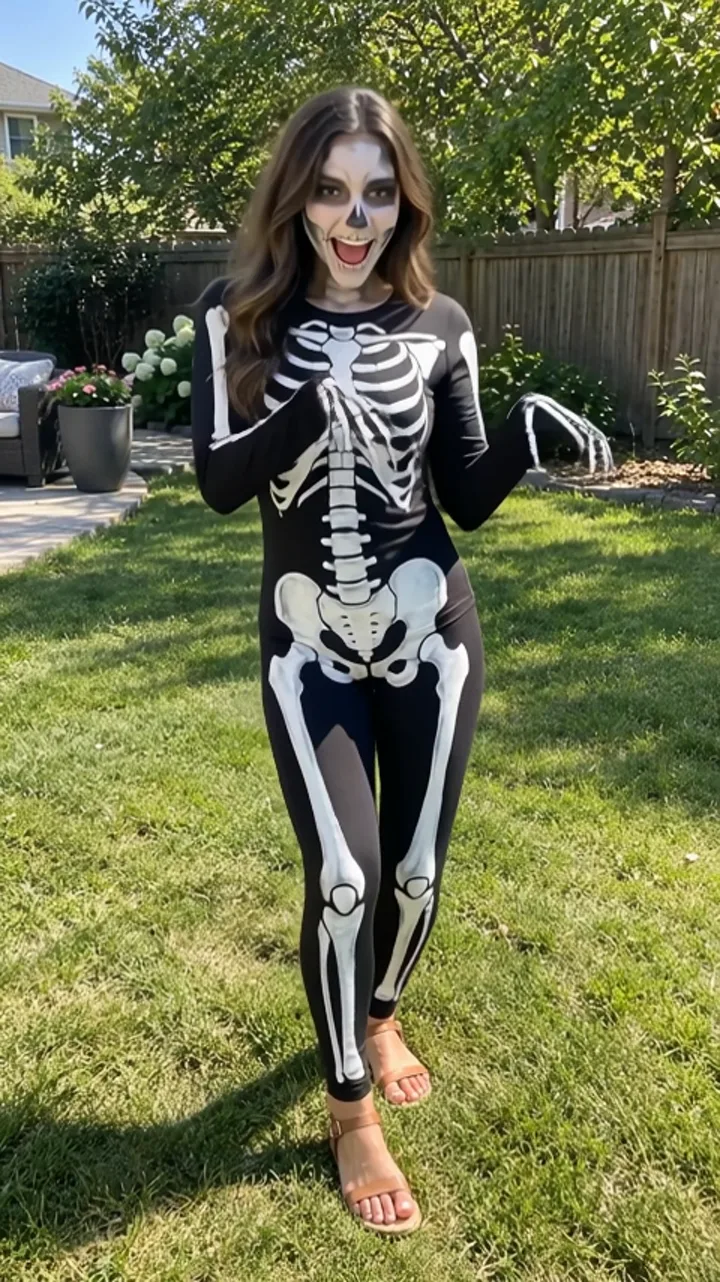
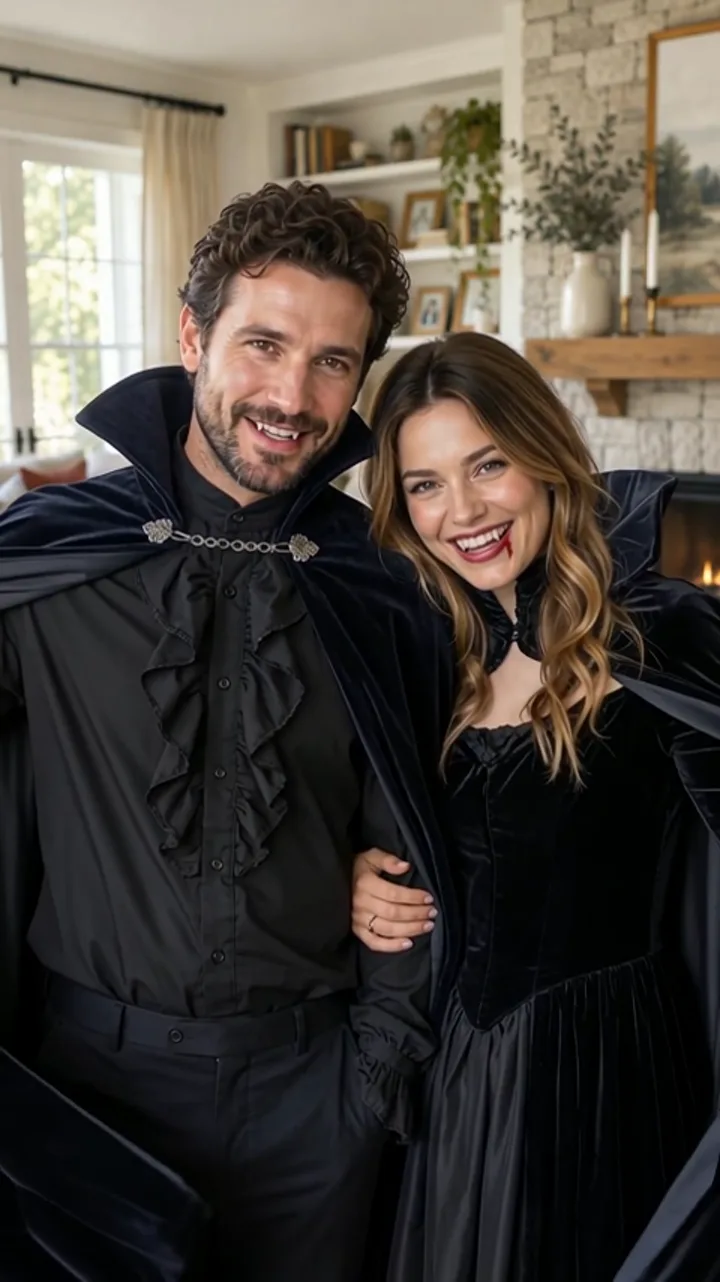
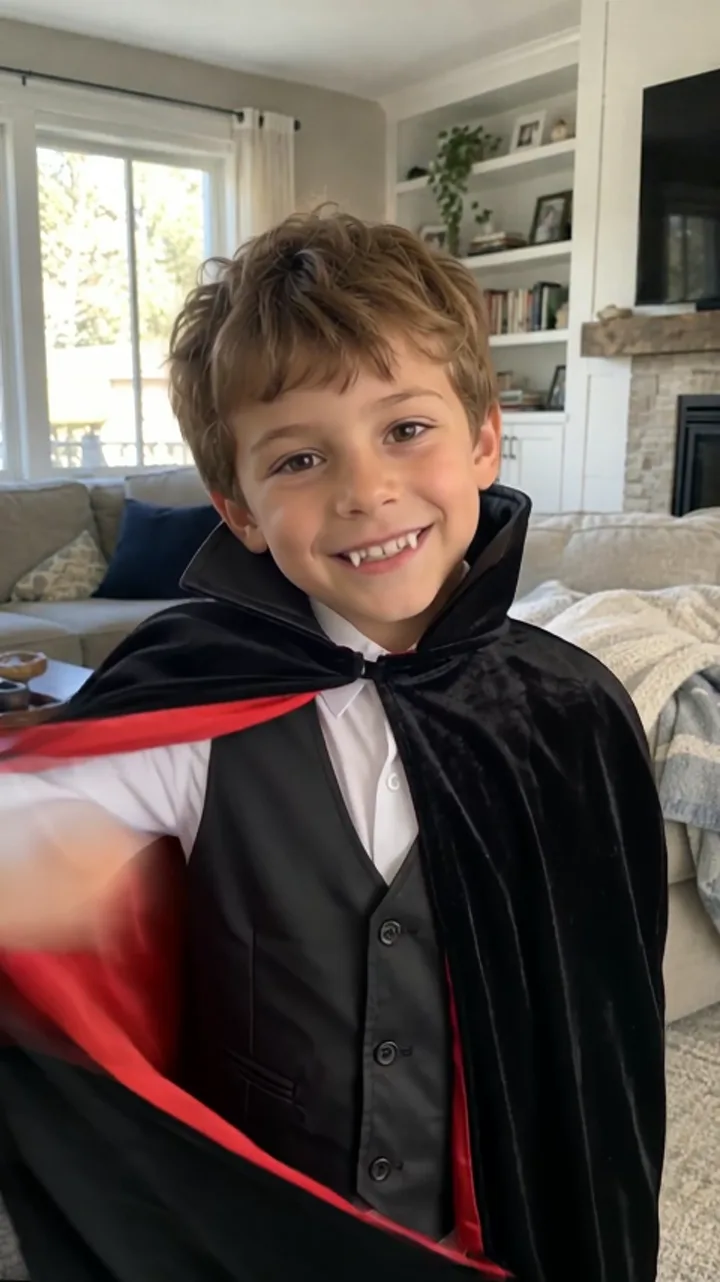
- AI Halloween Costume
- Tiptoe AI
- Hero Explosion AI
- Street Freestyle AI
- Ghost Filter Prank
- AI Halloween Costume
- Ghost Filter Prank
- AI Halloween Costume
- Ghost Filter Prank
- Plane Overhead AI
- AI Halloween Costume
- Tiptoe AI
- Hero Explosion AI
- Street Freestyle AI
- Ghost Filter Prank
- AI Halloween Costume
- Ghost Filter Prank
- AI Halloween Costume
- Ghost Filter Prank
- Hotel Lobby AI
- Hotel Lobby AI
- Ghost Filter Prank
- AI Halloween Costume
- Ghost Filter Prank
- AI Halloween Costume
- Ghost Filter Prank
- Street Freestyle AI
- Hero Explosion AI
- Tiptoe AI
- AI Halloween Costume
- Plane Overhead AI
- Ghost Filter Prank
- AI Halloween Costume
- Ghost Filter Prank
- AI Halloween Costume
- Ghost Filter Prank
- Street Freestyle AI
- Hero Explosion AI
- Tiptoe AI
- AI Halloween Costume
- Plane Overhead AI
- Hotel Lobby AI
- Ghost Filter Prank
Three taps to a clip
Photo to video
Upload one photo. The effect edits it, then animates the change into a short vertical clip that is ready to post.
See the effectsTwo steps, one tap
First the photo is changed — a ghost added, a costume put on — then that change is animated from your photo to the result. You see the final video; the in-between is handled for you.
How it worksHalloween, ready to post
Ghost Filter Prank and AI Halloween Costume are the first two effects. More arrive regularly; new ones carry a mark.
Halloween effectsMade for TikTok, Reels and Shorts
Vertical 9:16, sized for the feed. Download the MP4 without a watermark.
See pricingEvery trendone tap away.
Made for the way you post
Creators
Turn one selfie into the clip that opens your next video — no shoot, no edit. Start with Ghost Filter Prank.
Pranksters
A ghost behind the shoulder, sent to the one friend who scares easily. Start with AI Halloween Costume.
Couples & families
The whole family in costume before the costumes exist. The kind of thing people keep. Start with Hotel Lobby AI.
Small brands
A product or a mascot in a seasonal clip for your feed, vertical and watermark-free. Start with Tiptoe AI.
Pet lovers
Your dog in a cape. You know you want to. Start with Street Freestyle AI.
Trend chasers
New effects regularly, marked the day they land. Be first on your feed. Start with Plane Overhead AI.
Questions
Not here? Write to support@yayvid.com.
Usually two to four minutes: the photo is edited first, then the clip is animated. You can leave the page — finished videos wait for you in History.
One person, well lit and facing the camera. JPEG, PNG or WebP up to 10 MB.
Only with their permission — and for anyone under 18, with their parent's or guardian's permission. Never photos of public figures.
Yes. Every photo, prompt and result is checked automatically before it is used or shown. Adult content is not allowed.
A standard video (480p) is 100 credits, or $9.90 without an account; HD (720p) is 220 credits or $14.90. Monthly plans and credit packs make each video cheaper — see Pricing.
You get it back automatically: the credits return to your balance, or a video you paid for on its own is refunded to your card. You only pay for videos you get.
Yes. Download the MP4 and post it anywhere our Terms of Service allow.