
AI Halloween Costume
Vampire, witch or skeleton — see yourself in a full Halloween costume, then watch the transformation happen in a 5-second clip with sound. Your face stays yours.
- 100 credits
- 5s video
The result
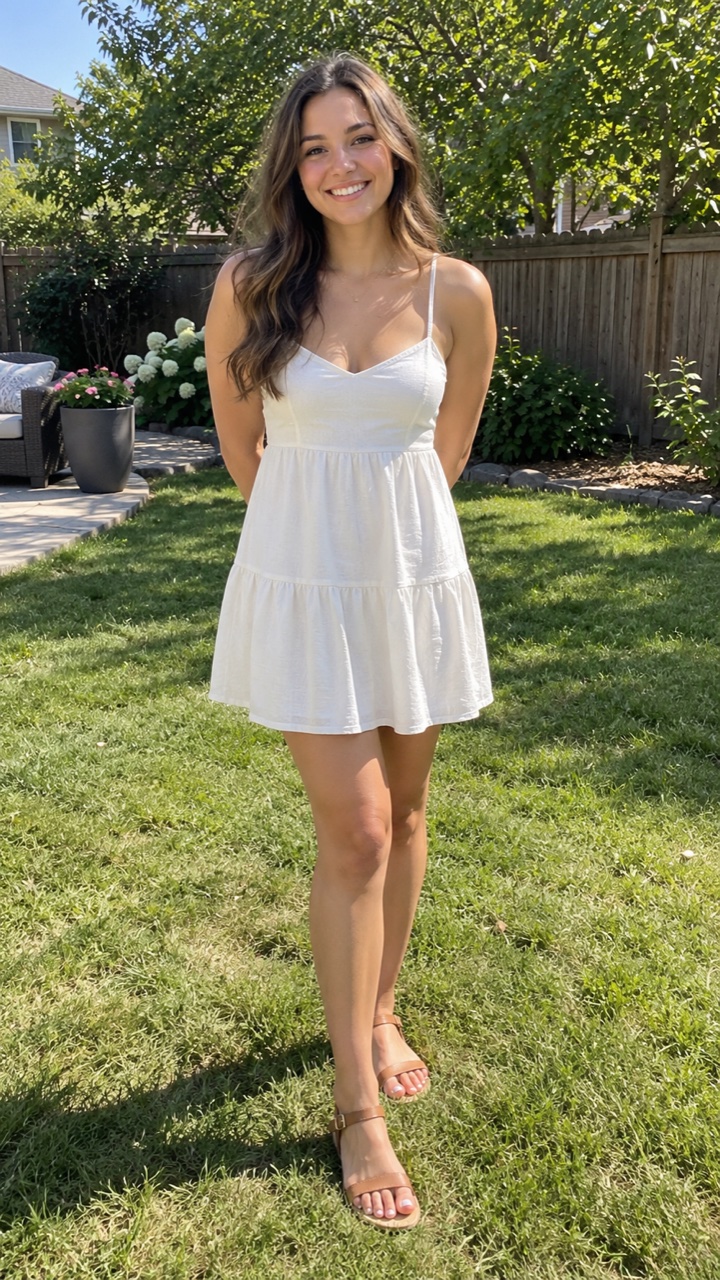
Drag the line: the photo on the left, the video made from it on the right. AI-generated.
How it works
- 01Upload a photoOne clear photo of you — or your pet, where the effect allows it.
- 02AI makes itYour video is ready in a few minutes. Failed ones are refunded.
- 03Download and shareAn MP4 without a watermark — post it anywhere.
For the best shot
- Head to waist or full body, facing the camera
- One person in the photo
- Even light on the face, no strong shadows
- Plain clothes work best — the costume replaces them
- No sunglasses, masks or hats over the face
3 styles
Pick one in “Make your video” before you generate. Same price for every style.
Vampire
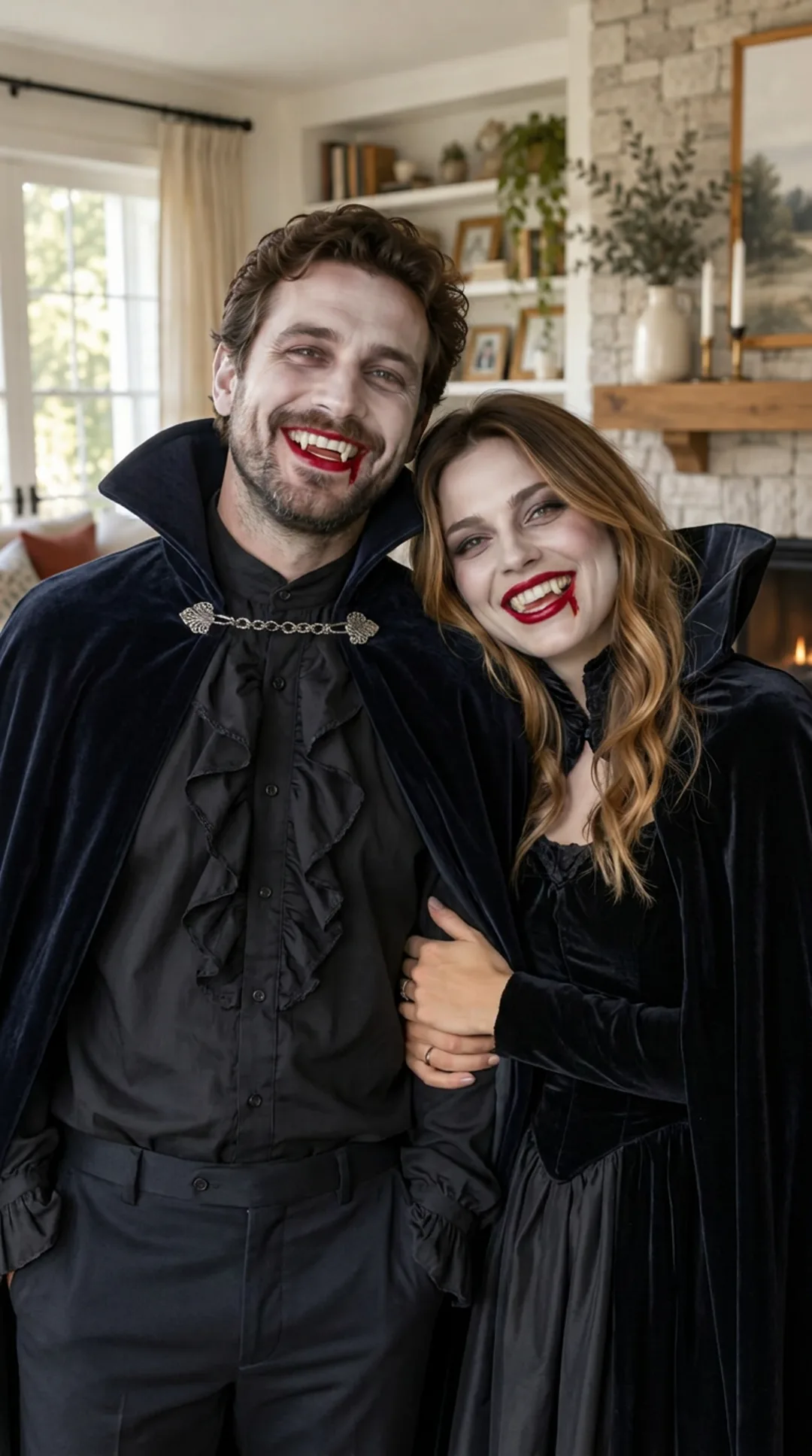
Cape, pale skin, fangs — then a grin for the camera
Witch
Pointed hat, dark robes, a burst of green sparks
Skeleton
Painted bones and a playful rattling dance
More results
Other photos through the same effect. Every clip is AI-generated.
Vampire couple
Vampire · boy
Witch · boy
More like this
How to make your AI Halloween Costume video
Upload one clear photo and pick Vampire, Witch or Skeleton. Then make the 5-second clip: you in your everyday clothes, and the costume taking over. Add a line in Director's notes if you want a colour or an accessory.
What you get
A 5-second vertical video (9:16, with sound) made from one photo. It starts on your photo exactly as it is; a swirl of dark mist passes over you and the costume forms piece by piece — your face unchanged throughout. Then a little finale.
Three costumes
- Vampire — a dark cape with a high collar, pale makeup and small fangs. You fling the cape open and grin at the camera.
- Witch — a tall pointed hat, dark layered robes and a faint green glow. You wave a hand and release a burst of green sparks.
- Skeleton — white painted bones over dark clothes and light skull face paint that keeps you recognisable. You do a short rattling skeleton dance.
Before you upload
You need permission from everyone in the photo — for anyone under 18, from their parent or guardian. Every photo and every result is checked automatically; adult content is not allowed (see the Acceptable Use Policy). If anyone in the photo is under 18, you must be their parent or legal guardian.
Price
A standard video (480p) costs 100 credits, or $9.90 without an account; HD (720p) costs 220 credits or $14.90. Every costume costs the same. If a video fails, you get the credits or the money back automatically. Monthly plans and credit packs are on the Pricing page.
FAQ
How long does it take?
Usually two to three minutes: the costume is put on your photo first, then the transformation is animated between the two. You can leave the page — the finished video waits in History, or at the link we email you.
Will my face still look like me?
Yes. The costume goes on around your face; the face, expression and pose stay as in the photo. The skeleton face paint is kept light for that reason.
Can I do a kid, a couple or a group?
If anyone in the photo is under 18, you must be their parent or legal guardian — you confirm this when you upload. One person works best; with two or more the costume goes on everyone, and the result is less predictable.
Does the clip have sound?
Yes — a short, dramatic transformation sound. Turn it on before you share it.
Can I pick a different costume from the three?
Not yet. Vampire, witch and skeleton are the three we have tuned for Halloween; more costumes come after.
What if it fails or looks wrong?
A failed video is refunded automatically. If it finished but the costume did not come out right, write to support with the link to your video and we will review it.
Not here? Write to support@yayvid.com.
Last updated